23 Apr 2026
By Belle

New in Exist: PDF exports
Last year we ran a survey to ask Exist users about how they share their Exist data with others, such as a family member or doctor. We also asked about how you'd like to share your data in future. What we found was that a lot of people are already sharing their data, and many more are looking for easier ways to share specific data from their accounts with family and health care professionals. Based on this feedback, we've just released an update giving you new options in the ways you can export your data.
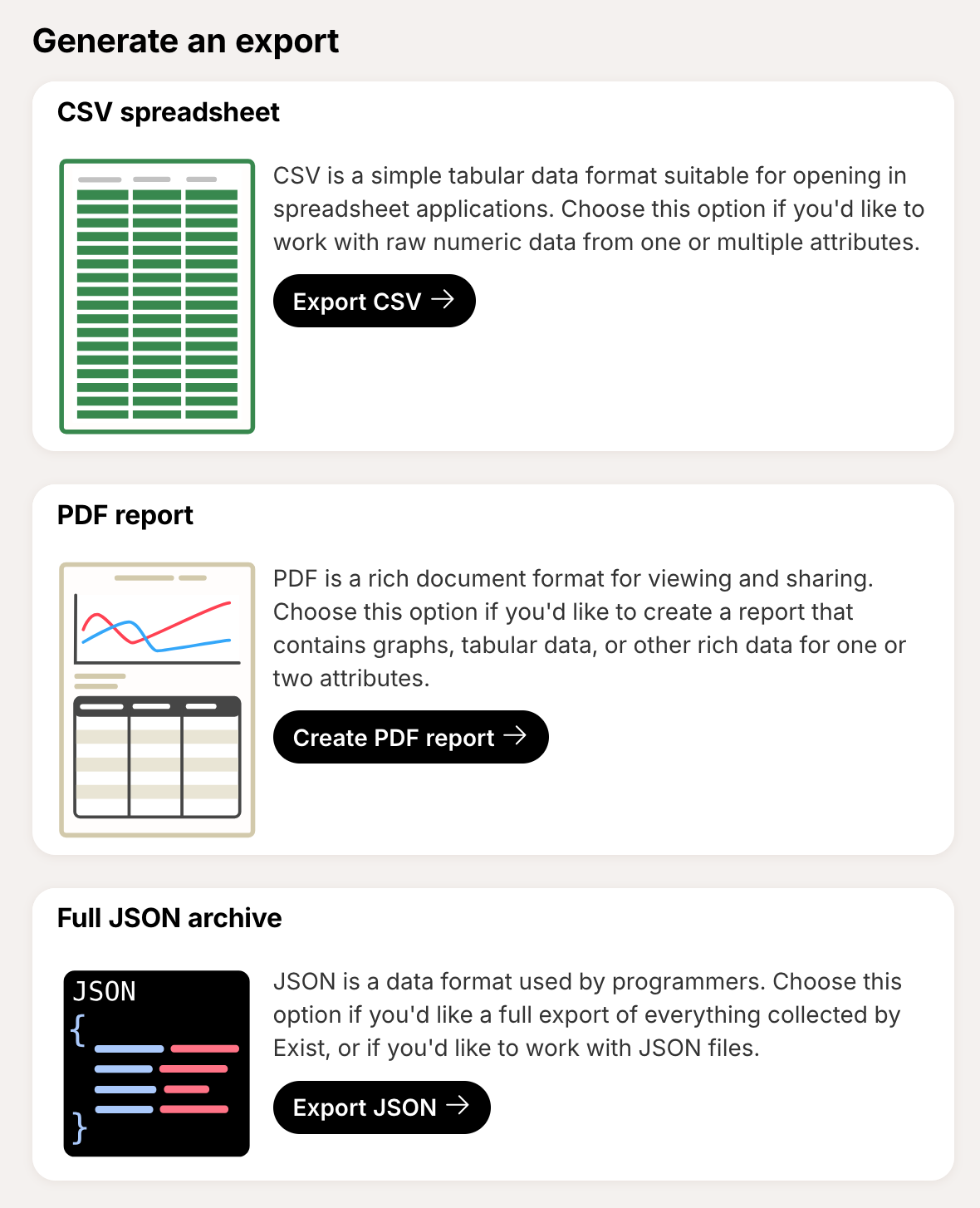
CSV spreadsheet exports can now include up to five attributes across a custom time frame.
Exist can also now generate custom PDF reports. You can choose two attributes to compare, or just focus on a single attribute, and include graphs, correlations, averages, and even a table of raw values. These rich reports make a great option for printing, or for sharing with doctors and other health professionals.
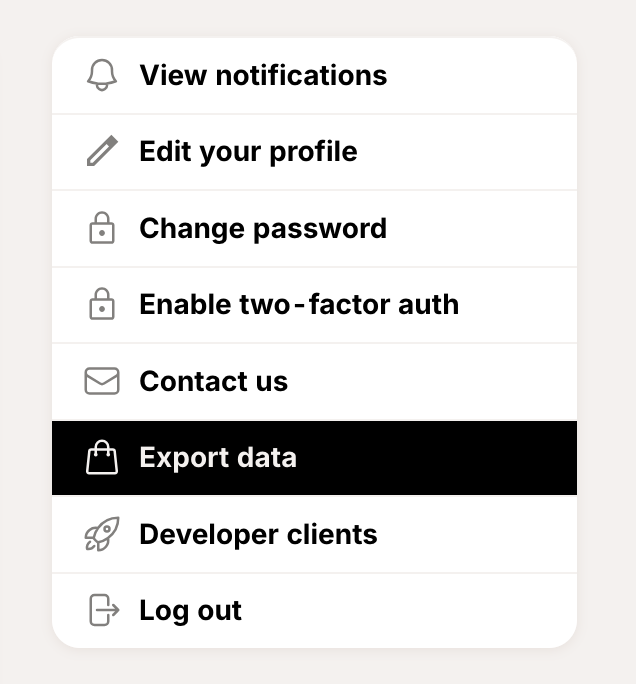
You can find all our data exporting options, including JSON files of all your data, and the new PDF reports, from your account page.
We also added a new feature for custom tags this week, which lets you merge one tag into another. Sometimes it's hard to know exactly how you want to track something from the beginning, so if you've ended up with multiple tags that are essentially tracking the same thing, you can now merge them into one.
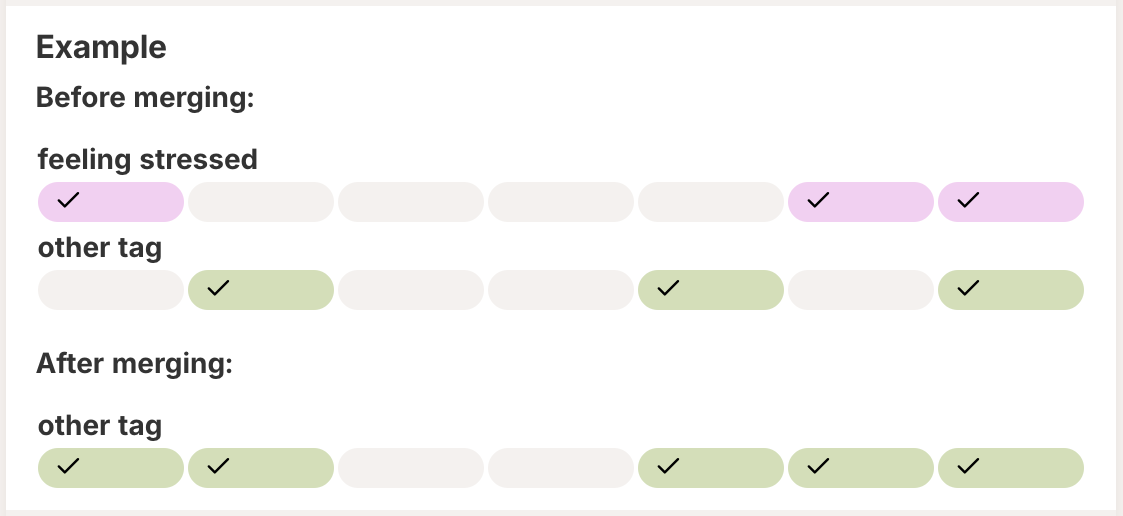
You can find the option to merge a tag on your attributes page, in the settings menu for each tag.

Thanks for using Exist! Don't forget you can find out what we're working on and what we've completed recently on our public roadmap. And you can find options to contact us with feedback in the footer of Exist on the web, and on the settings screen of our mobile apps.